Call TAG: Capture call context and manage mobile follow-ups
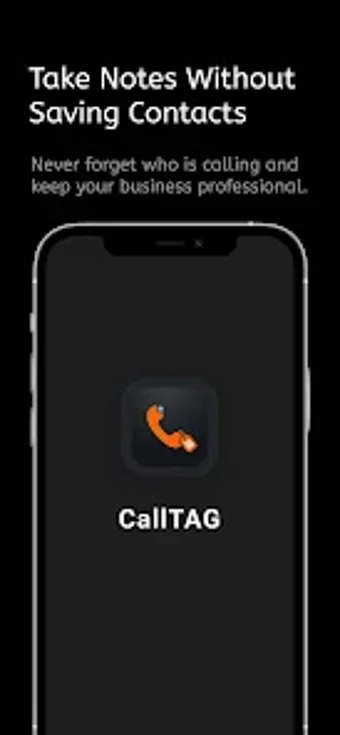
Call TAG - Call Notes Reminder, from Orange Wing Media, is an Android utility for keeping phone-driven client interactions organized. It attaches context and follow-up prompts to contact records and call events so users can act on conversations without switching apps. The app highlights immediate call context, scheduling hooks, and a searchable archive. Designed for salespeople, recruiters, and small-business owners who rely on frequent phone outreach and quick recall.
What is Call TAG used for in a phone-driven workflow?
Call TAG functions as a lightweight, on-device contact and call notes manager that stores call metadata and text annotations, not audio. In practice it operates as a compact personal CRM, keeping call-specific details with each contact so individual contributors can preserve conversational context without a separate desktop system. It keeps data local, which limits cross-server sharing but reduces external data exposure.
How does Call TAG support follow-ups for sales and freelancing?
The app integrates note capture and scheduling into the call lifecycle to reduce task hand‑offs. Typical steps include:
View existing annotations when a call appears;
Add or tag notes immediately after the call;
Schedule a calendar reminder for the next action.
Post-call prompting encourages immediate capture of outcome and next steps, which helps maintain continuity across multiple client interactions.
Is it easy to set up and operate on Android devices?
Onboarding focuses on granting the system permissions the app needs to overlay information during calls and to access contacts and calendar entries. Users report convenience from the floating overlay, while some note that additional system permissions must be enabled for in-call visibility. The interface is oriented toward quick entries rather than complex configuration, so individual users can adopt it without extensive training.
Can data move between devices and integrate with calendars?
Call TAG offers local backup and restore to migrate the notes database to another phone, and it can push reminders into a calendar to align with existing schedules. The searchable index helps locate past entries, and the app is designed to run on modern Android releases. Note capacity is effectively limited by device storage rather than an imposed note quota.
Who benefits from using Call TAG?
Call TAG suits solo professionals and small teams that prioritise fast, phone-based client memory and simple follow-up coordination. It favors compact, device-centred operation instead of multi-user reporting or deep CRM analytics. Teams that need server-side collaboration and advanced reporting should consider more expansive platforms; for individual contributors who manage calls as the primary workflow, Call TAG is a practical, focused choice.
Pros
Floating overlay displays saved context during calls.
Laws concerning the use of this software vary from country to country. We do not encourage or condone the use of this program if it is in violation of these laws. Softonic may receive a referral fee if you click or buy any of the products featured here.